Three students have finished, someone needs help with question four, and a hand goes up to ask what comes next. Early finisher activities are easier to manage when students know where to find a task and how to check their own work.
This quiet maze choice board gives them nine tasks. They can explain a route, fix a broken puzzle, or draw one for a friend. Set out the board beside a small maze packet and teach the routine before you need it.
The aim is useful work that students can do without stopping the teacher to ask for help. Let them use the board once they have checked their assigned work. Speed earns no special status. Finishing early should not bring a pile of more questions of the same kind.
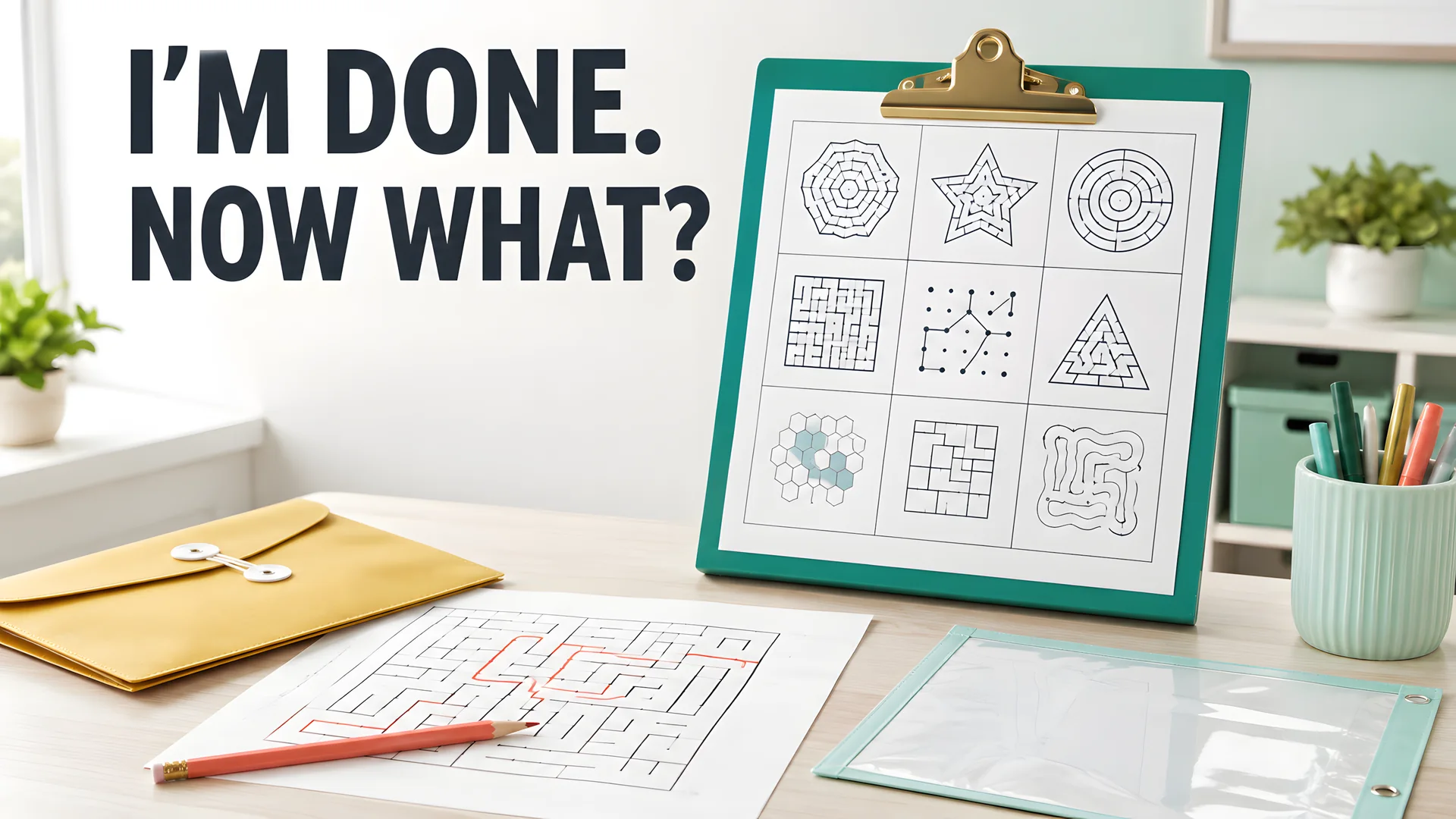
Classroom setup concept; printable task directions are provided below.
The nine choices
Choose three tasks forming a row, column, or diagonal. They can be completed across several sessions. During one short gap, a student may only begin the first square.
| Solve. Trace a route through the Level 1 maze. | Estimate your solving time, solve, then compare the estimate with elapsed time. | Highlight dead ends and explain how you recognized one. |
| Write directions that another reader could follow from START to FINISH. | Debug. Find the marked wall that blocks the intended route and propose a repair. | Design a maze for a partner using the blank grid. |
| Add a theme and two landmarks without changing the passages. | Compare two attempted solutions; identify the first place one fails. | Complete the Challenge task and defend one difficult choice. |
Print the choice board and student directions, or adapt the editable teacher version (Word).
Choice boards are a well-known teaching tool. Teach Starter's early-finisher board is one example. Choose tasks that suit each learner, then adjust how much help they get.
A learner need not follow a row or diagonal if that limits their choices. Let them pick any three tasks instead. The grid is a way to arrange the tasks, not a rule they must master.
Independent self-checking
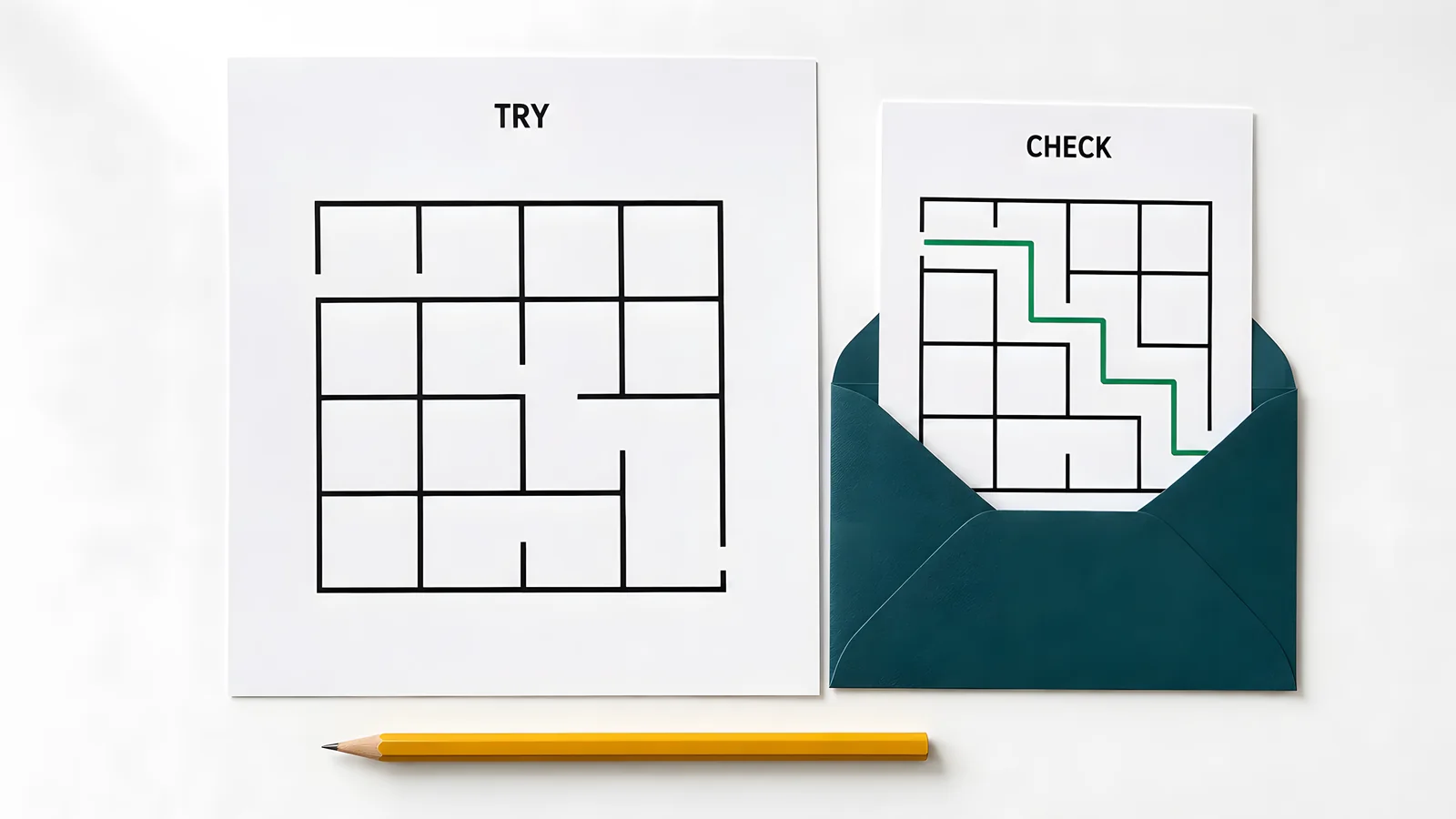
Self-checking illustration with the answer card kept separate from the task.
Set up one checking method that students can use without asking where the answers are.
- Envelopes. Put labeled answer cards in sealed or folded envelopes that students can reopen. Reusable closures save replacing paper envelopes every week.
- A teacher-controlled QR code can open a read-only answer PDF. Test it on the actual classroom devices, including their school account restrictions.
- Color-coded strips work in a folder. Also print the task names on the strips so color is never the only identifier.
Let students check their work after a real attempt, without having to ask each time. A student stuck for several minutes can look at the next step, cover the card again, and carry on.
Use a short routine.
- Choose a task.
- Work independently.
- Check the relevant key or criteria.
- Correct one error or extend the response.
- Store the page in the designated folder.
For tasks that ask students to draw or explain, give them a short list of things to check. A single route key is not enough. They may use different words and still give a correct answer.
The small maze packet
Download the four student pages and keep the teacher key separate. For a lighter option, our mazes with a picture to color work the same way: each page has its own answer-key PDF. In December, the Christmas mazes add ten holiday pages, from easy path mazes to a hard grid.
Level 1 contains an 8-by-8 maze. Ask for one unbroken pencil line between the marked cells. Students can also use this page to guess how long a solve will take or to mark dead ends. They can write those answers on the back.
Level 2 uses a larger maze with false paths. Ask for the route and one sentence about a wrong turn. Why does that branch fail? Students can circle the fork to show which choice they mean.
The debug page blocks one path in a maze that used to work. Three wall segments are labeled A, B, and C. Students choose which one to remove, draw the opening, and trace the fixed route. The key shows the correct repair. Save changes to other walls for a later task; those solve a different design problem.
The fourth page is a blank 8-by-8 grid. Students mark START and FINISH, draw walls, and make an answer key on a second copy. The test is whether another person can read and solve the puzzle.
For the comparison task, use the correct route and the flawed attempt in the teacher key. A perfect maze has just one route that reaches the finish without revisiting a cell. Do not ask students to find two such routes in it; the second does not exist.
Challenge uses Level 2 with an extra requirement. Mark every dead end before solving and explain why removing those branches preserves the solution. Students who already recognize the layout can design a fresh maze instead.
Make faster work meaningful
Some students finish early because they know the topic well or work at a fast pace. Others may have skipped steps, or the task may have been short for them. Use your usual check for finished work before they move to the board.
Keep Level 1 and Level 2 in the same folder, with the Challenge directions beside them. Let students choose where to start without a show of hands. Invite them to try a harder task when they seem ready. Avoid public rankings or making the easier page feel like a failure.
Everyone can choose to draw a maze or explain a route. A child who solves slowly may write clear, helpful directions. Another may need wide paths but still enjoy a hard repair task.
Sharing can stay quiet. Put a finished partner maze in an exchange tray for later. Students need not walk around the room to find someone who is still working.
I would leave speed rankings off this board. The timed task asks students to compare their guess with their own result. Use a silent timer, and keep it from becoming a race across desks.
If a task keeps needing adult help, use plainer directions or show the group how to do it again. Frequent questions can point to a gap in the setup, not a fault in the learner.
Storage and reuse
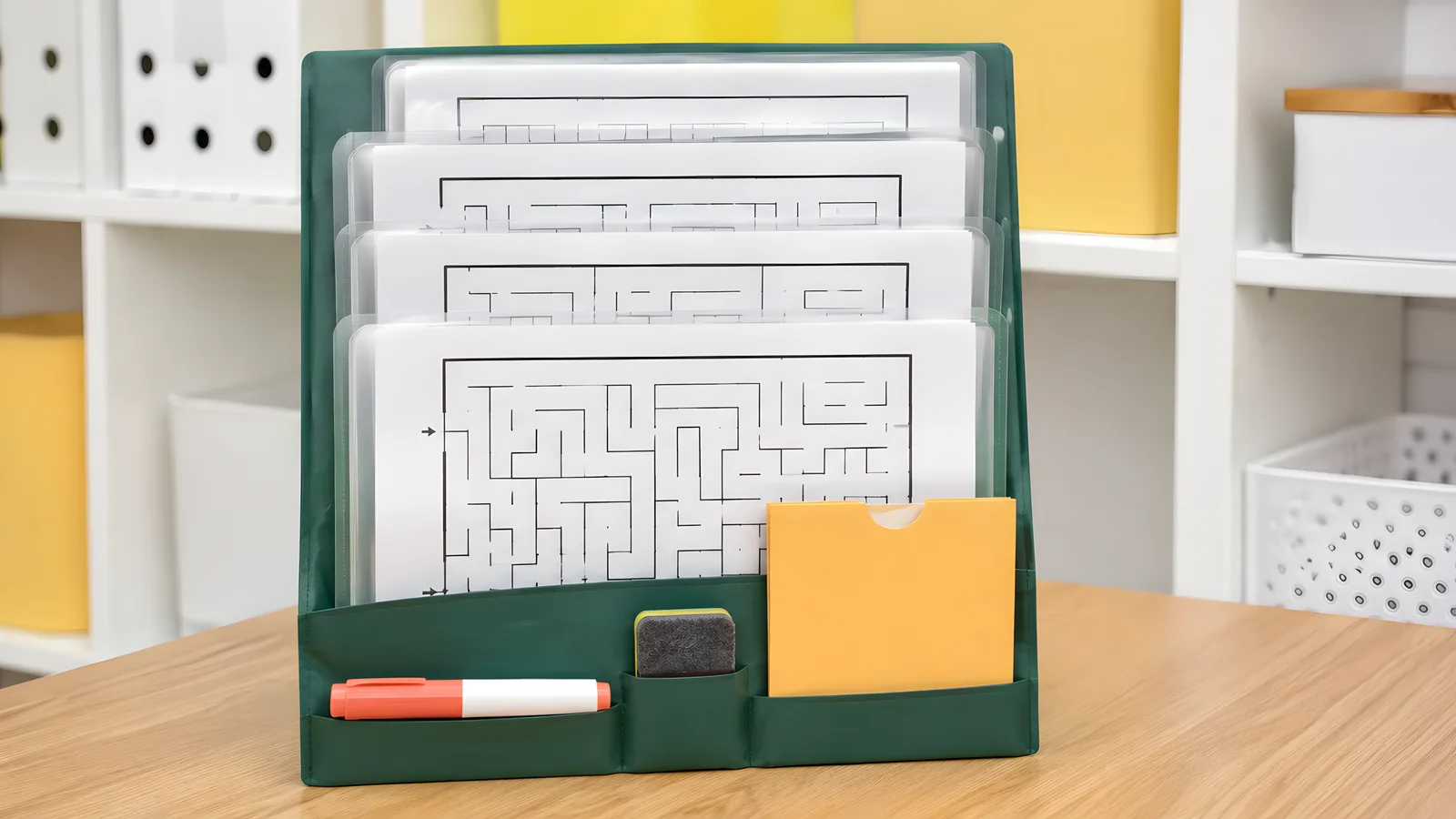
Storage concept for keeping reusable pages and their matching keys together.
Use one labeled folder or shallow station with a separate section for completed work. Put the maze name and version on each key. Otherwise, a rotated worksheet can end up beside last month's answer.
Laminate the choice board. Put recurring maze pages in dry-erase sleeves and store one soft eraser with them. Sleeves allow the worksheet to change without another round of laminating.
Keep the answer envelope beside the station or at an established checking point. Make it reachable without crossing the main teaching area.
Rotate a few puzzles monthly, keeping the directions familiar. You needn't replace all nine tasks; new layouts can refresh the same thinking routine.
On a school device, open the fillable response card beside the maze PDF. Students can type their answers on the card. To draw a route, they need a PDF viewer with drawing tools. Test that they can save and reopen their work before you assign it.
Track choices only when you need the record. A date beside a finished square is often enough. A long tracking sheet can take more work to manage than the board saves.
Adapt by grade
Early elementary. Offer wide paths and show a short routine. Add pictures to the task card. Students can trace a route and point to a dead end. Teach those words as the class practices together.
Upper elementary students can explain routes in writing and repair mistakes. When they draw a maze, ask for two dead ends and a route with at least four turns. Have them count both to check their work.
Middle school students can add rules to a maze they draw, as long as they write them on the page. Ask a partner to try it without spoken help. Can that person follow the rules and reach the finish?
To compare the lengths of different routes, choose a maze that has more than one. Or allow students to compare a direct route with a walk that doubles back. Make that rule clear before you set the task.
Use printable mazes by grade to help choose a starting level and maze worksheets to find more layouts. In every grade, choose paths and tools the learner can use comfortably.
Introduce the routine
Teach this during a calm whole-class period. Model an incorrect turn and show how checking leads to a correction.
You can use this script.
When you finish your assigned work, choose one maze task.
Work quietly and independently.
Use the answer key after attempting the task.
If you finish, select another choice or improve your first response.
Explain how students should pause when the class moves on. An unfinished choice can wait in the folder; they don't need to finish a maze before joining the next lesson.
Classroom maze warmups fit a different part of the lesson. This board comes after assigned work. Its tasks can pause when the class moves on and resume when there is time.
Download the classroom set
- Printable board and student instruction card.
- The four original maze pages include the blank design grid.
- Teacher key and checking criteria.
- Editable teacher version (Word) and fillable response card.
Allow a short rest or other agreed support when a student needs it. The board should offer a useful choice, not make someone regret finishing their work early.