Maze size is the fastest setting to understand and the easiest one to misuse. Bigger usually means longer, but it does not always mean harder, and guessing a size by eye is how a five-minute warm-up quietly becomes a twenty-minute stall.
This guide covers what the common sizes actually feel like to solve, how size interacts with difficulty, why paper size quietly matters, and which sizes fit a class period or a coffee break. If you want to pick a size right now, the maze sizes page has ready-made options, and the maze generator will build any size you type in.
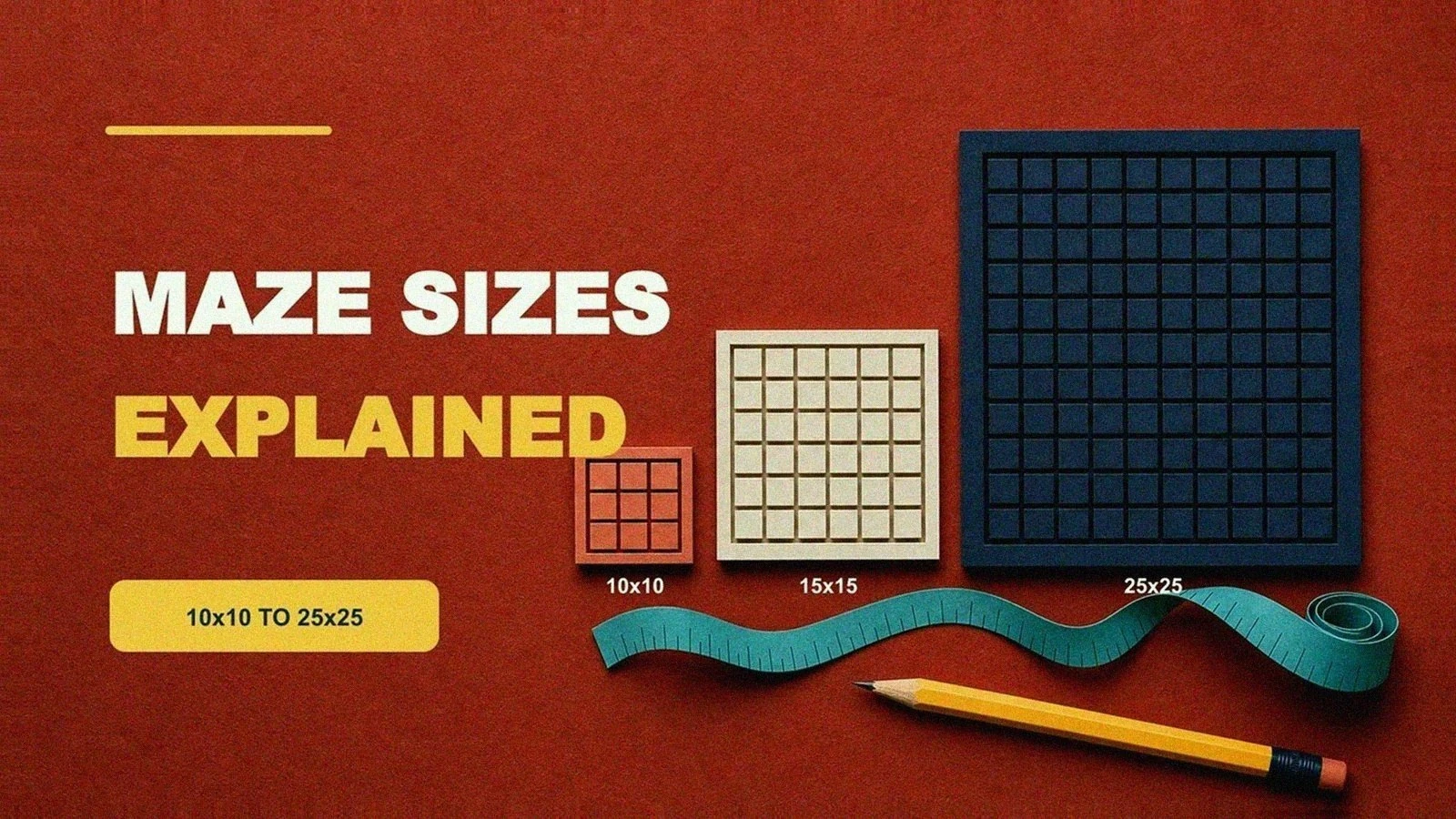
what does "15×15" mean?
When we say 15×15, we mean the grid is 15 cells across and 15 cells down (for rectangular mazes). Every cell contributes walls and potential decision points, so cell count is a rough budget for how much maze you are about to hand someone. A 10×10 has 100 cells; a 25×25 has 625. That difference shows up directly in solve time.
More cells usually mean a longer solution path and more time spent scanning and backtracking. Usually. A large maze with broad corridors and shallow dead ends can still be a gentle solve, which is exactly why we label difficulty separately from size.
Shape complicates the counting a little. A circular maze sized 15 is measured in rings, and a hex maze counts cells across its widest row, so the same number buys a different amount of maze depending on the outline. The maze shapes post goes shape by shape. For the rest of this page, assume a plain rectangular grid.
a quick size table (pick a starting point)
Use this as a starting point, then adjust for the actual humans in front of you.
| Size (rectangular) | Good for | What it feels like | Notes |
|---|---|---|---|
| 8×8 to 10×10 | younger kids, quick warm-ups | short, low fatigue | Works well for first-time solvers. |
| 12×12 to 15×15 | most classrooms, casual puzzlers | steady challenge | Good balance for skill-building. |
| 18×18 to 22×22 | older kids, adults | longer, more decisions | Print at 100% scale to keep corridors readable. |
| 25×25 and up | adults, long sessions | slow, dense | Better as an optional challenge than a weekly handout. |
My own calibration test is my kids at the kitchen table. My younger one cruises through a 10×10 and asks for another, while a 16×16 still ends in negotiation. Two sizes apart, same house. If you are printing for kids, start with easy mazes at a smaller size and move up only after the current size feels smooth.
size vs difficulty and why bigger is not always harder
Difficulty lives in how the maze plays. How big it looks is almost decoration. Two mazes of identical size can feel completely different depending on how many dead ends they hide, how often a fork offers three ways instead of two, how twisty the correct route is, and how much a wrong turn costs you in backtracking.
Maze Printables labels every maze easy, medium, hard, or expert so you can filter on feel instead of guessing from dimensions. The full explanation of what goes into those labels is in how maze difficulty works.
The practical rule: change one dial at a time. If you want a quick win, keep the size modest and drop the difficulty. If you want a longer challenge, get the difficulty right first and then grow the size. Change both at once and you have no idea which change did what.
when to pick each size
Match the maze to the moment, and most moments come with a time limit attached. A restaurant wait with a six-year-old is a 10×10 job, printed two-up so theres a spare for the sibling. A rainy Saturday for a puzzle-happy adult is a 25×25 at medium, hard if they're the stubborn type. Road trips sit in between — a 15×15 buys about as much quiet as an audiobook chapter, and a clipboard keeps the pencil from rolling under the seat.
Party bags and gifts are the odd case. Small sizes win there. Kids could handle more, but a 10×10 on a half sheet looks like a treat where a full-page 20×20 looks like homework. The sizing error I see most often (and still make) is picking for the solver I wish I had in front of me instead of the one actually sitting there. When in doubt, go one size smaller and one difficulty up — productive struggle makes the case that a little stuck is good for kids, while an oversized grid is just sad.
how grid size changes with age
A ten-year-old and a six-year-old can both finish a 10×10, but they're playing different games. Younger kids trace the route with a finger before the pencil ever moves, so corridor width matters as much as cell count — a cramped 10×10 will frustrate a kindergartner faster than a roomy 12×12. Attention is the other limit. In my experience, five good minutes beat fifteen frayed ones, and most early-elementary kids I have printed for are done, happily done, right around the five-minute mark.
Older kids and teens handle denser grids because they plan routes instead of wandering into them. That shift, wandering to planning, is why a 15×15 feels calm to a fifth grader and chaotic to a first grader. If you're unsure where a kid sits on that curve, what age is appropriate for mazes breaks it down by stage, and easy printable mazes is a forgiving first print while you find out.
printing considerations by size
On paper, size is really about corridor width. The page stays the same, so every extra cell makes each corridor thinner, the lines harder to trace, mistakes easier to miss, and a lost place harder to find again. Auto-scaling makes it worse. A "fit to page" setting can quietly shrink a maze by 10 percent, and at 22×22 that is the difference between tracing and squinting.
A few habits keep large mazes printable. Print at 100% scale, and skip "fit to page" entirely. Run one test page before you print thirty. And save 2-up printing, two mazes per sheet, for the smaller sizes only. I learned the test-page habit the expensive way, after printing a full class set with the bottom row of cells sliced off. One page first, every time. If something still clips, print mazes without cropping walks through the fixes dialog by dialog.
cells per inch on A4 and US Letter
Corridor width is easy to compute. Take the printable width of the page and divide by the number of cells across. On US Letter (8.5 × 11 inches) with half-inch margins you get about 7.5 inches of usable width, so a 20×20 maze works out to roughly 2.7 cells per inch — 0.375 inches, call it 9.5 mm, per corridor. A4 is 210 mm wide, and with 12 mm margins you have 186 mm to work with, so the same 20×20 lands at 9.3 mm per cell. The two papers sit within a hair of each other. Scaling settings will hurt you long before paper choice does. If you ever need the official sheet dimensions, Cornell University Library keeps a paper size table covering both standards.
Worked out at 100% scale with those margins, the numbers look like this:
| Grid | Cell width on Letter | Cell width on A4 |
|---|---|---|
| 10×10 | 19 mm | 18.6 mm |
| 15×15 | 12.7 mm | 12.4 mm |
| 20×20 | 9.5 mm | 9.3 mm |
| 25×25 | 7.6 mm | 7.4 mm |
| 30×30 | 6.4 mm | 6.2 mm |
My working cutoff is about 7 mm per corridor for pencil work, 5 mm for a fine pen. By that math, 25×25 is the ceiling for a comfortable pencil solve on one sheet, and 30×30 is where I switch to a 0.5 mm pen and accept the squint. Printers occassionally lie about their margins, so measure your first test page with a ruler before you blame the maze.
printing two mazes per page
Splitting a sheet between two mazes sounds like a free lunch, and it mostly is, as long as you respect what halving does to corridor width. Half the sheet means half the cell size, so a 2-up 12×12 handles like a full-page 24×24 under the pencil. Keep 2-up for 10×10 and 12×12 mazes and it stays comfortable. Try it with a 20×20 and you've printed a very efficient disappointment.
Paper weight matters more here than people expect. Standard copy paper is 75 gsm (20 lb), and erasing roughens it fast at small cell sizes. The sheet that finally stopped bleed-through in my class sets was 120 gsm, the 32 lb "premium" ream nobody wants to pay for. For duplex work, answer key on the back, I would not go below 90 gsm. And one opinion I will defend — a 2-up pair of small mazes beats one big maze for a mixed-ability room, because the fast finishers just flip the page.
classroom sizing that matches your time box
For a daily warm-up, the schedule picks the size. A 5 to 10 minute window fits a smaller, easier maze for the room plus one harder stack on your desk for early finishers. When I ran maze warm-ups, the 12×12 easy sheet was the workhorse. Long enough that nobody finished before I took attendance, short enough that nobody was still lost when lesson started. (The sharpener by the window jammed on every third kid, so I learned to print corridors wide enough for a dull pencil point.) The full routine is written up in classroom maze warm-ups.
adult sizing without the fatigue traps
Big mazes are satisfying right up to the point where the puzzle stops being decisions and becomes eyesight. Past a certain size, you stop choosing paths and start hunting for tiny openings, losing your place on the way back. I hit this wall myself somewhere around 30×30. The first two thirds are a pleasure and the last third is an audit.
If a maze has you rereading corridors instead of planning routes, drop one size and raise the structural difficulty instead. A dense 18×18 hard maze gives you more real decisions than a sprawling 30×30 medium, with none of the squinting. The hard printable mazes collection is built on exactly that idea, tortuosity over raw acreage. If you want to browse that comfortable band directly, the adult printable mazes page keeps its grids in the 18×18 to 25×25 range.
solving on screen vs on paper
On a screen the math changes, because zoom exists. A 30×30 that makes you squint on Letter is perfectly playable on a tablet. You can pinch into a corridor, drag the grid around, lose the whole eyesight problem. Big sizes go back to being decisions again.
Paper still wins for young kids, partly for the motor practice of steering a pencil down a corridor, partly because a printed maze cannot buzz or get swiped away. I could be wrong here, but the sweet spot seems to be screens for big casual solves and paper for kids, plus anything headed for the fridge door. Try this once. Solve the same 15×15 on paper, then on a screen, and note where you got lost each time. Mine were different spots, which surprised me.
FAQ
what size should I print for 2nd grade?
Start around 12×12 at an easy level. If students finish fast without frustration, move up one step. Our printable mazes for kids by grade guide has a starting size for every grade from kindergarten to 5th.
is 25×25 always hard?
No, it is always long. Hardness comes from structure — dead ends, junction density, how twisty the route is, and how much a wrong turn costs. A 25×25 with gentle structure is a scenic walk; a 15×15 with nasty structure is a workout.
does A4 or US Letter give wider corridors?
Neither, really. With typical margins the two papers land within about 2 percent of each other on usable width, so pick whichever your printer already holds and spend your attention on the scale setting. The corridor table up above assumes half-inch margins on Letter and 12 mm margins on A4.
how do I create five mazes of the same size?
Open the maze generator, pick a size, and change only the seed for each new maze. Every maze comes out different but equally sized and comparably difficult. Save the ones you plan to share.
what if a maze prints too small?
That is almost always scaling. Set the print dialog to 100% and check the margins. The step-by-step fixes are in print mazes without cropping.
next step
- Open the maze generator and start with a 12×12 to 15×15 rectangular maze if you want a consistent worksheet size.
- Want curated picks instead? Browse all mazes, start with easy rectangular mazes, or explore the full rectangular collection.
- And if "hard" still feels vague, how maze difficulty works shows what the label actually measures.