Themed maze worksheets are an easy way to raise engagement, but branded characters and logos can create problems. You do not need licensed art to make the activity feel themed.
This post gives you safe theme ideas, simple prompt templates, and a workflow for generating a week of mazes that print cleanly. If you want to build a themed set, start with the maze generator.
quick links
- Create a themed set: maze generator
- Print-ready packs: Easy Starters Pack, Mixed Bag Pack
- Printing help: print mazes without cropping
- Difficulty help: how Maze Forge labels difficulty
what to avoid (keep it simple and safe)
Avoid using:
- character names from movies, TV, or games
- logos and brand names
- traced or copied art from the internet
You can still have a theme by using generic story prompts and original labels.
safe theme ideas that work in classrooms
These themes are flexible and do not rely on IP:
- Space mission
- Underwater rescue
- Jungle expedition
- Pirate treasure hunt (generic, not tied to a franchise)
- Castle quest
- Sports challenge
- Winter storm shelter
- Garden pollination route
Pick one theme and repeat it across the week so students learn the routine.
prompt templates (copy and adapt)
Use one sentence at the top of the page. Keep it short.
- "Help the astronaut reach the lander before oxygen runs out."
- "Guide the diver to the coral reef without bumping into rocks."
- "Find the treasure chest before the tide comes in."
- "Get the mail carrier to every house and back home."
If you want students to add creativity, let them draw small icons at the start and finish.
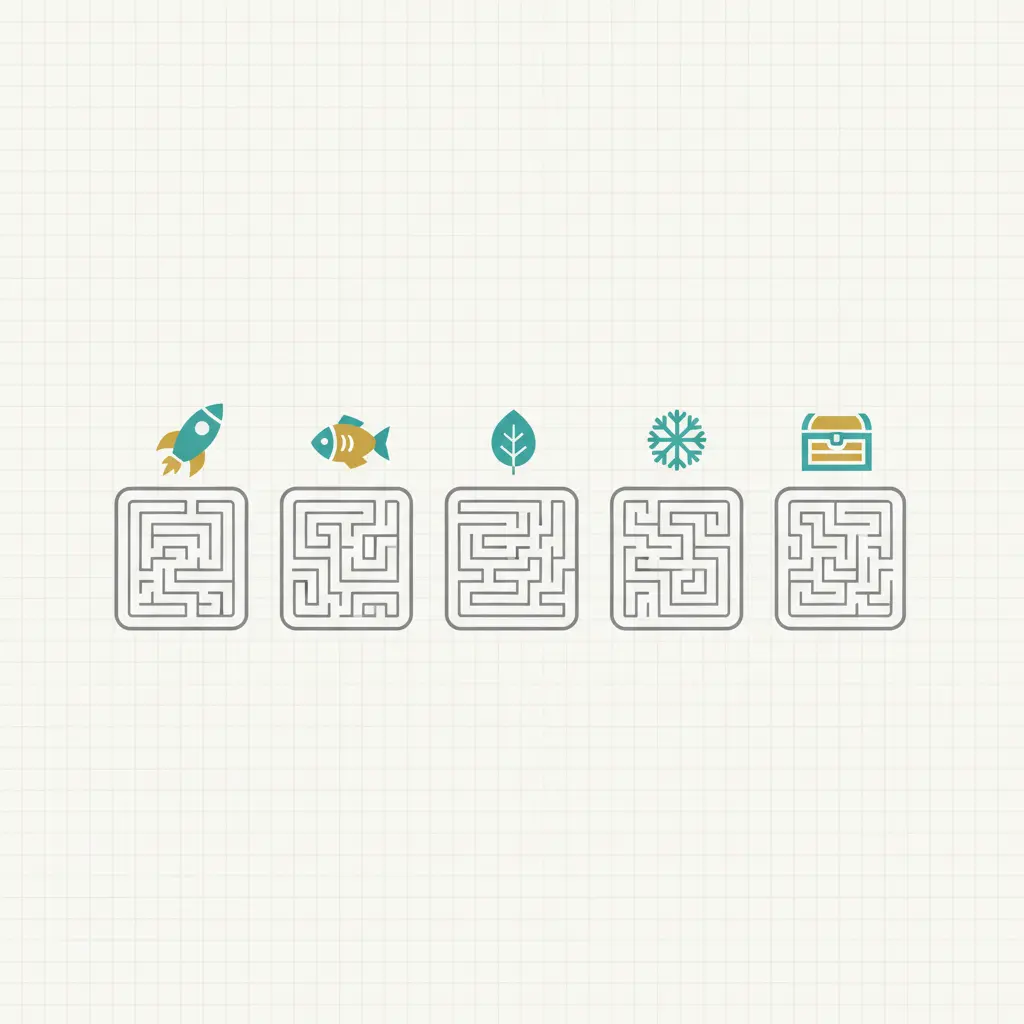
a simple 5-maze "theme week" workflow
step 1: pick one consistent setting set
Choose:
- shape (rectangular is the simplest worksheet default)
- size (keep it modest for warm-ups)
- braid percent (higher braid is smoother for kids)
step 2: generate five mazes by changing the seed
- Generate the first maze.
- Change the seed.
- Generate again.
- Repeat until you have five.
Save the ones you plan to share so the links stay stable.
step 3: print with consistent settings
Print at 100% scale and check margins. If cropping appears, use: print mazes without cropping.
If you want an even faster route, use a pack as your base set and add a theme prompt with a pen at the top of each page:
make the theme feel real without art
You can raise engagement with low-effort extras:
- "Stamp" the page with a simple sticker at the finish.
- Let students color the border after solving.
- Use a two-part goal: "Solve the maze, then write one sentence about the mission."
These add fun without adding print complexity.
a sample 5-day plan (copy and adapt)
If you want a predictable week, keep the routine consistent and change only the prompt.
- Day 1: easy warm-up maze + "mission briefing" prompt (one sentence)
- Day 2: easy maze + add dead-end marking strategy (teach it once)
- Day 3: easy-to-medium maze + optional challenge sheet for early finishers
- Day 4: medium maze + pair solving (switch driver every minute)
- Day 5: student choice day (easy or medium) + short reflection ("What strategy helped most?")
If you need answer keys for quick checks, packs include separate printable keys. The Easy Starters Pack is the fastest baseline set.
FAQ
can I use a holiday theme?
Yes. Stick to generic seasonal language and original prompts. Avoid copying branded imagery.
how do I keep difficulty consistent across the week?
Keep size and braid percent the same, and only change the seed. If you need more structure, browse a curated hub and print from there: easy or medium.
what if students finish too fast?
Keep one harder stack ready for early finishers. The Mixed Bag Pack is a simple way to have variety available.
next step
- Pick a theme and generate five mazes in the maze generator.
- Save the mazes you plan to share.
- Print using the checklist in print mazes without cropping.