Maze Forge gives you two clean ways to use a maze: solve it online or print it on paper. Both work, but they shine in different moments.
This guide helps you pick the right format fast, avoid common friction, and combine both when you want the smoothest experience. If you want a single starting point, browse the mazes hub and open any maze.
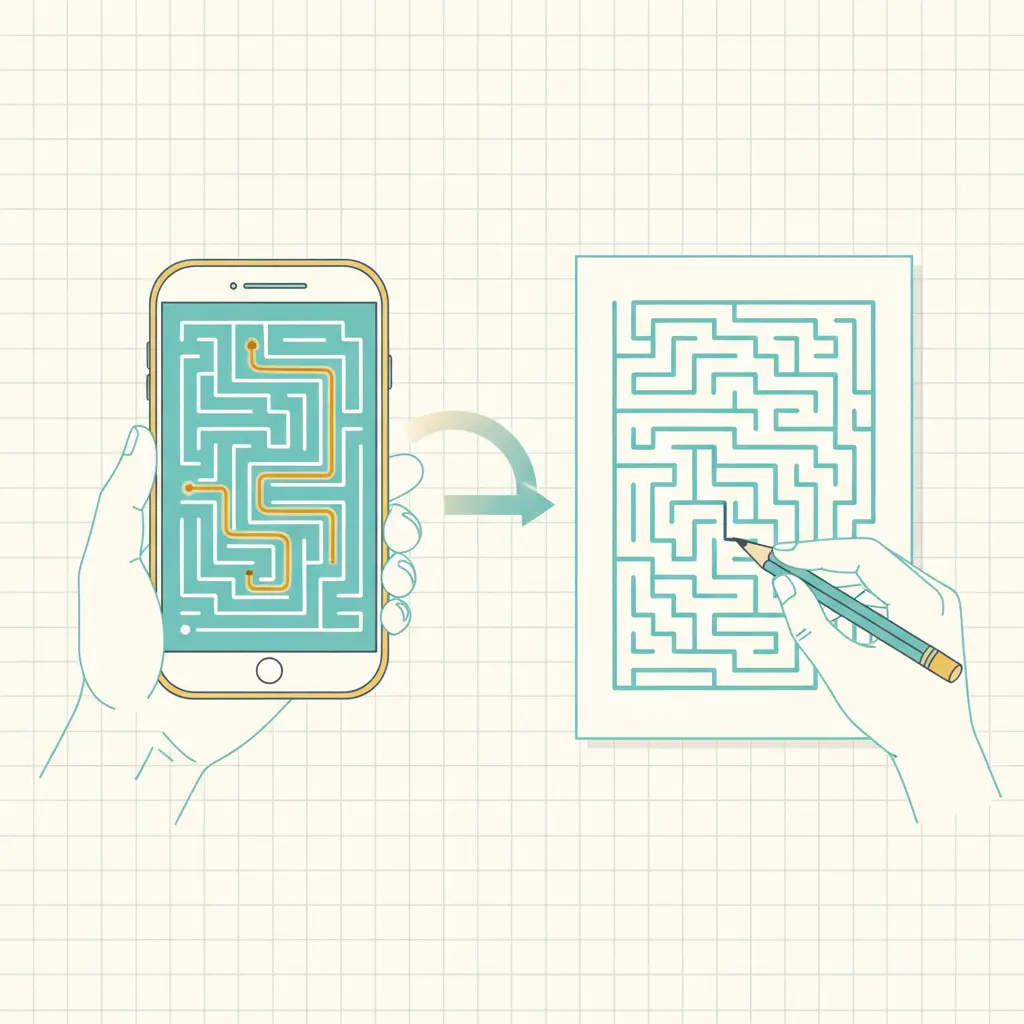
quick links
- Browse mazes: all mazes, easy rectangular, hard rectangular
- Print packs: Easy Starters Pack, Medium Mix Pack
- Printing help: print mazes without cropping
- Custom settings: maze generator
choose online solving when you want speed and feedback
Online solving works best when you want to start fast and reset fast.
Solve online when:
- You are on a phone or tablet and do not want a printer in the loop.
- You want a clean reset without erasing.
- You want hints for a stuck moment.
- You want to check a solution without printing an answer sheet.
On Maze Forge maze pages, the solver includes controls for:
- Hint: reveals a small part of the path to get you moving again.
- Show/Hide: toggles the full solution overlay for checking.
- Reset: clears the path and starts over.
Online solving also fits "one more maze" behavior. When you finish a maze, it is easy to tap into another one and build a quick streak of solves.
a clean online workflow
- Browse a hub by difficulty: easy or medium.
- Open a maze and solve it on-screen.
- If you get stuck, use Hint before Show. Hint teaches the search; Show is the check.
If you want your own sizes and shapes, use the maze generator and solve the result online first. It is the fastest way to sanity-check difficulty before you print.
choose printing when paper makes the moment better
Printing shines when you want a low-distraction puzzle, a stack of worksheets, or an offline activity.
Print when:
- You need a classroom set with one maze per student.
- You want kids to work with pencil control and keep the maze on the desk.
- You want a screen-free activity in the car, at a restaurant, or at home.
- You want to share mazes in a binder, packet, or take-home folder.
Two print paths are common:
- Packs: one download for many mazes plus separate answer keys. Start with the Easy Starters Pack.
- Single maze print: open a maze from the mazes hub and use the Print button for a clean print layout.
print-friendly habits that prevent frustration
- Print at 100% scale.
- If edges clip, adjust printer margins.
- Use PDF when you want stable page sizing.
This checklist covers the full troubleshooting flow: print mazes without cropping.
use both when you want the smoothest path
The best workflow is often "online first, print second." It reduces wasted paper and wasted effort.
classroom: calibrate, then print
If you are teaching, solve one maze online before printing 30 copies.
- Pick a difficulty level: easy for younger students or warm-ups.
- Solve one maze online.
- If it feels fair, print the pack.
Use packs when you want answer keys and consistent formatting:
family: solve together, then print a mini stack
If you solve with kids, online gives you a clean way to nudge without taking the pencil.
- Let them drive the path.
- Use Hint for small guidance.
- Print a small stack once you know the level fits.
puzzle fans: solve on mobile, print for longer sessions
Online is good for short breaks. Printing is better for longer sessions where you want more focus.
A smooth routine:
- Use online solving during the week.
- Print a pack for weekend puzzle time.
- Move from medium to hard once you finish without constant backtracking.
FAQ
do I need an account to print or solve?
No. You can browse, solve, and print without signing in.
is the answer key available for every maze?
Packs include separate answer key PDFs. For individual mazes, you can use the on-screen solution overlay while solving online.
what if I do not have a printer?
Solve online from the mazes hub. You can also share a maze link with someone who can print it.
what if printing changes the maze size?
That is almost always scaling. Print at 100% scale and adjust margins. Use this guide: print mazes without cropping.
next step
- Want the fastest printable stack? Download the Easy Starters Pack.
- Want a quick on-screen solve? Browse Maze Forge and start with easy rectangular.
- Want custom sizes and shapes? Open the maze generator and generate your first maze.